iLoungeiLounge
  • News
    • Apple
      • AirPods Pro
      • AirPlay
      • Apps
        • Apple Music
      • iCloud
      • iTunes
      • HealthKit
      • HomeKit
      • HomePod
      • iOS 13
      • Apple Pay
      • Apple TV
      • Siri
    • Rumors
    • Humor
    • Technology
      • CES
    • Daily Deals
    • Articles
    • Web Stories
  • iPhone
    • iPhone Accessories
  • iPad
  • iPod
    • iPod Accessories
  • Apple Watch
    • Apple Watch Accessories
  • Mac
    • MacBook Air
    • MacBook Pro
  • Reviews
    • App Reviews
  • How-to
    • Ask iLounge
Font ResizerAa
iLoungeiLounge
Font ResizerAa
Search
  • News
    • Apple
    • Rumors
    • Humor
    • Technology
    • Daily Deals
    • Articles
    • Web Stories
  • iPhone
    • iPhone Accessories
  • iPad
  • iPod
    • iPod Accessories
  • Apple Watch
    • Apple Watch Accessories
  • Mac
    • MacBook Air
    • MacBook Pro
  • Reviews
    • App Reviews
  • How-to
    • Ask iLounge
Follow US

Articles

Articles

Coupert Review: Can a Browser Extension Really Save You Money on Online Shopping?

Last updated: Feb 25, 2026 5:11 am UTC
By Lucy Bennett
Browser extension applying discount codes for online shopping to help save money

Anyone who’s bought a product online knows the convenience associated with ordering something from Amazon. However, there are more benefits you can uncover when you use an AI-powered shopping assistant such as Coupert to discover deals, cash backs, and offers.


What’s even more mind-boggling is that all you need is a browser extension to start saving money. Let’s take a look at Coupert and how this nifty shopping tool can help.
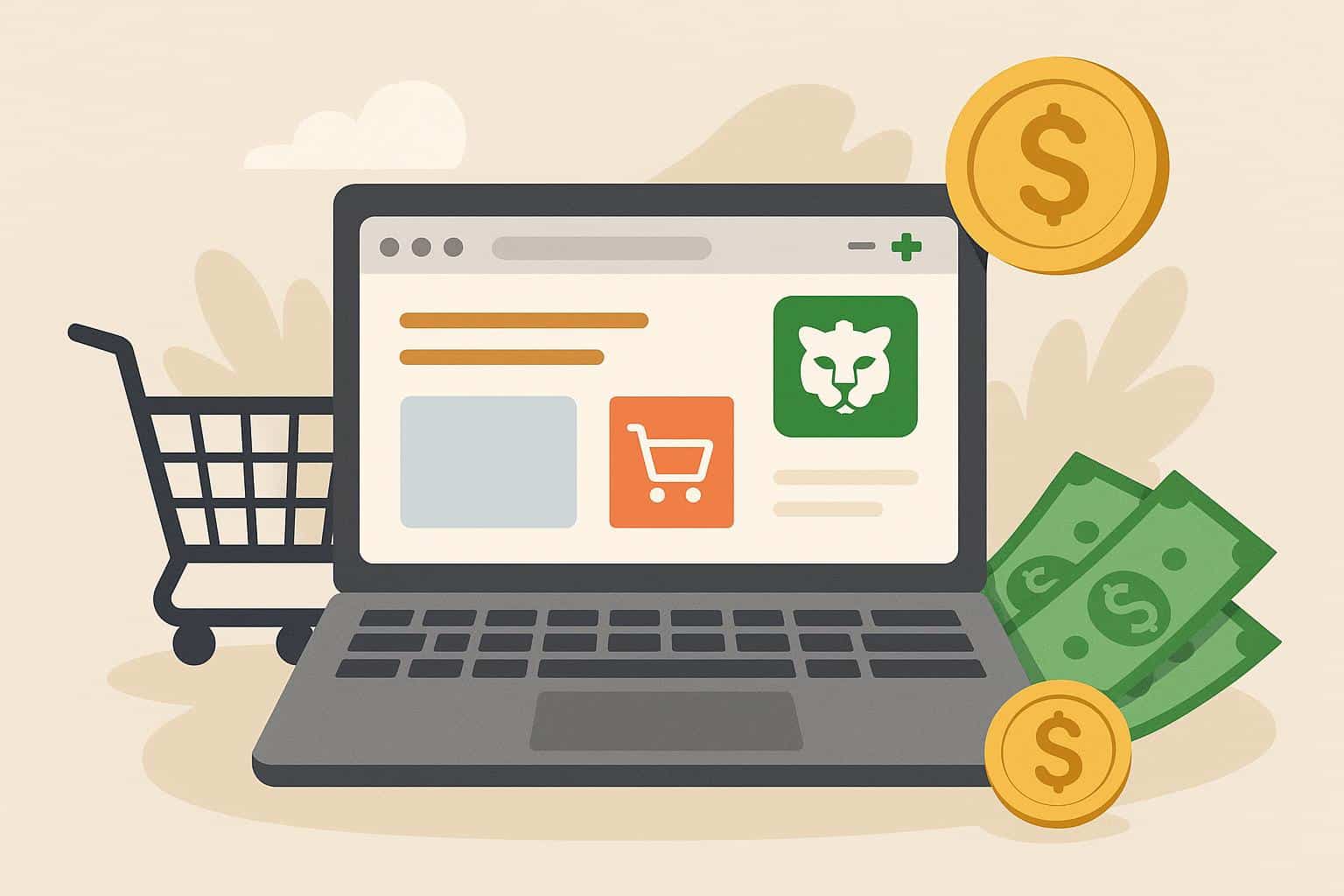
Browser extension applying discount codes for online shopping to help save money

What is Coupert: Getting Started

Coupert is not just a simple coupon tool that sends you alerts on products you might be interested in- it’s an all-in-one shopping assistant that can compare prices, a cashback machine, and an automatic coupon or code finder.

You can install the browser extension and shop on the most popular online platforms as you normally would. Coupert runs in the background and acts as a guide. When you select an item or check out, it ‘finds’ the best coupon, e.g., the one that saves you the most money, and automatically applies it for you.


At times, the tool will suggest a similar item found at a lower price, with a link to the page or website. You can click on the deal and get redirected to add the product to your cart and check out.

More than that, every purchase made with Coupert allows you to earn a percentage of your money back via a built-in program.

How to Start Saving Money with Coupert

Step 1. Install the Coupert Browser Extension

Coupert is free and can be installed in the most popular browsers, including Chrome, Edge, Safari, and more. Search for it in the respective web stores and click on ‘get’ or ‘add extension’.


Step 2. Create an Account

Those who are new can register or sign up for access to the rewards programs. Log in after creating an account through the browser tool or extension.

Step 3. Pin to Toolbar for Easy Access

The next step is to make the Coupert tool visible in the toolbar. In Chrome, go to Extensions and find the Coupert icon, then choose to pin it so the icon will be available whenever you open a browser window.

Step 4. Shop and Save!

Coupert is intuitive and shows up whenever there’s a better deal or coupon. Start shopping like you normally would and save money!

The Bottom Line – Should You Get Coupert?

Coupert is one of the better shopping assistants out there, with auto coupons, a robust cashback program, and a price comparison feature. Online shoppers should definitely try it today!


Latest News
The Baseus 100W 3-Port USB-C Charger Is 66% Off
1 Min Read
Rivian Releases Apple Watch App
1 Min Read
macOS 26.3 Hints at 3 Upcoming Apple Products
1 Min Read
iPhone 18 Pro and Pro Max Coming in Red
1 Min Read
The M5 iPad Pro 512GB is $199 Off
1 Min Read
M1 MacBook Air Out Of Stock At Walmart Website
1 Min Read
EverPass and Apple TV Reach Deal Bringing Sporting Content To Bars And Other Places
1 Min Read
C1X Modem of Apple is the First Reported Failure for iPhone Air
1 Min Read
The iPhone Air MagSafe Battery Is $20 Off
1 Min Read
Meta Releasing Smartwatch
1 Min Read
The 2026 Major League Soccer Season Is Near
1 Min Read
Quality of Life Updates For Chrome Added
1 Min Read

iLounge logo

iLounge is an independent resource for all things iPod, iPhone, iPad, and beyond. iPod, iPhone, iPad, iTunes, Apple TV, and the Apple logo are trademarks of Apple Inc.

This website is not affiliated with Apple Inc.
iLounge © 2001 - 2025. All Rights Reserved.
  • Contact Us
  • Submit News
  • About Us
  • Forums
  • Privacy Policy
  • Terms Of Use
Welcome Back!

Sign in to your account

Lost your password?